
NFC Tap Versus QR Code Versus Receipt Scan: What Each One Asks of Your Customer at the Moment of Truth

Updated: Jul 28
The check-in method you choose is not a technical decision. It is a friction decision. NFC tap, QR code scan, and receipt scanning each place a different demand on your customer at the exact moment they are deciding whether to bother. One wrong step and they don't bother. This article breaks down what each method actually requires, where each one breaks down, and how to match the method to the context your business operates in.
TL;DR
NFC tap is the fastest check-in method but requires an NFC-enabled device and physical proximity to hardware [venuesight.com].
QR codes are the most universally accessible option but depend on camera alignment, lighting, and a motivated customer [scanapp.org].
Receipt scanning removes the check-in interaction entirely, making it the lowest-friction option for post-purchase enrollment.
The right method depends on your physical setup, your customer's context, and how much friction that moment can absorb.
meed supports all three methods, letting businesses choose what fits rather than being locked into one.
meed is a digital loyalty platform built specifically for independent and small businesses. It supports NFC check-in, QR enrollment, and AI-powered receipt scanning across a single platform, giving it a direct operational perspective on how each method performs in real-world conditions.
What is the fundamental difference between NFC tap, QR scan, and receipt scanning for loyalty check-in?
Each method represents a different theory about where loyalty happens. NFC tap says it happens at the point of sale, fast and physical. QR says it happens when the customer sees a code and chooses to act. Receipt scanning says it happens after the transaction, when the customer is no longer in a queue.
The technical distinction is straightforward. QR codes require line of sight - the camera needs to see the code clearly [scanapp.org]. NFC requires physical proximity - the phone taps the tag [stripe.com]. Receipt scanning requires neither; the customer photographs a receipt at any point and the system reads it.
What that means operationally:
NFC tap: under a second, no camera needed, no alignment required [venuesight.com]
QR scan: one to three seconds when conditions are good, longer when they are not [venuesight.com]
Receipt scan: zero queue friction, but relies on the customer following up later
What does NFC tap actually ask of a customer?
Less than any other method at the moment itself. The customer taps their phone. Done [legitimate.tech].
No camera. No alignment. No QR code to find on a cluttered counter. NFC throughput is faster than QR in high-volume settings - the tap-and-go interaction completes in under a second compared to one to three seconds for a QR scan [venuesight.com]. In a coffee shop during morning rush, that gap matters.
What it does require:
An NFC-enabled smartphone. Compatibility is high - estimated at 85-90% of phones currently in use [nfc.cool] - but not universal.
The customer to know tapping is an option. Signage and staff prompting matter here.
A placed NFC tag or device the customer can physically reach.
Where it breaks down: poorly placed hardware, customers who do not realise NFC is active, and the small percentage of devices that do not support it. For businesses with a clear POS interaction - cafes, barbers, gyms - NFC check-in fits naturally. The tap replaces nothing the customer was already doing; it just adds a half-second gesture.
What does a QR code scan actually ask of a customer?
More than it looks like it does. The customer needs to open their camera app, point it steadily at the code, wait for recognition, then follow the link [scanapp.org]. Each of those steps is small. Combined, under pressure, at a counter, they produce drop-off.
QR codes have real advantages. They work on virtually any modern smartphone [nfc.cool]. They require no additional hardware beyond a printed or displayed code. They are cheap to deploy and update. For enrollment specifically - the first time a customer joins your loyalty program - QR is often the right call because the customer is stationary, not in a rush, and has a reason to engage.
Where they underperform:
Low-light environments where the camera struggles
Damaged, smudged, or poorly sized codes
Counter positions where the customer cannot hold their phone at the right angle
Any moment where the customer feels the line behind them
The honest read on QR: it is the most accessible method, but accessibility is not the same as frictionless. It is the method with the most variables outside your control [mobilocard.com].
What does receipt scanning ask of a customer?
Nothing at the moment of purchase. That is its main claim.
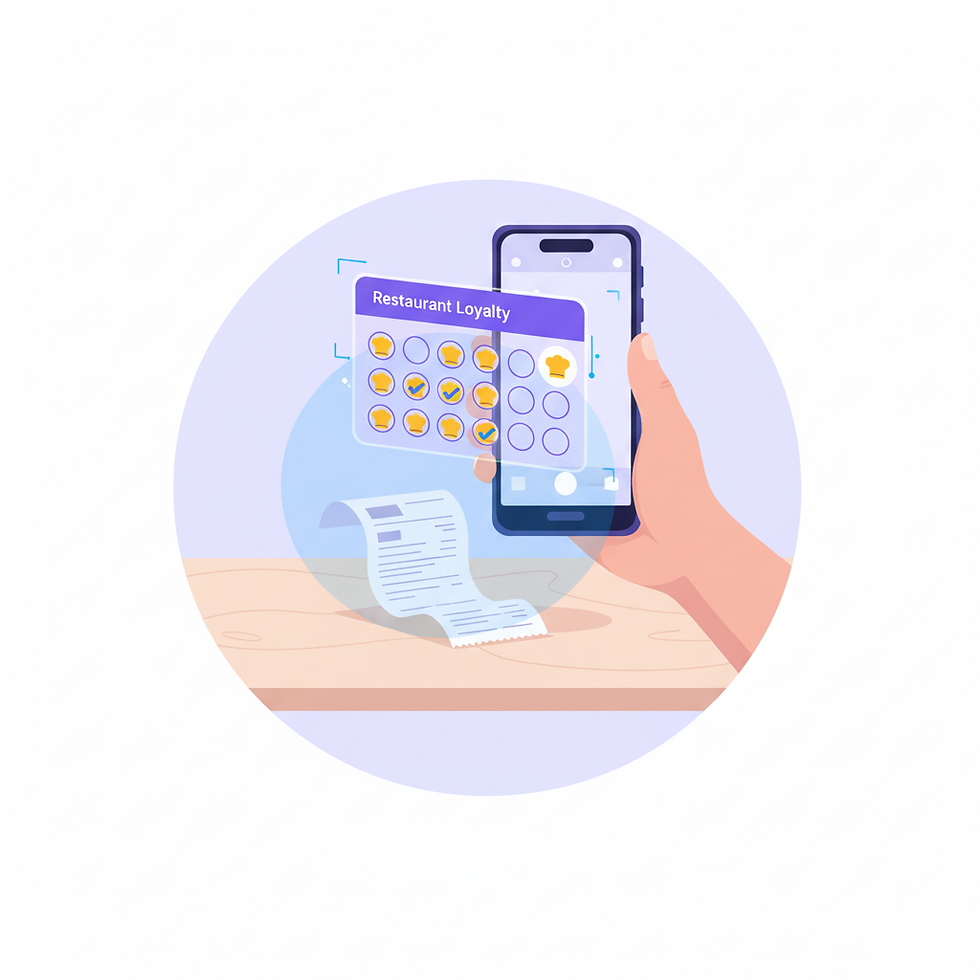
The customer buys. They receive a receipt. At some point - at the table, in the car, at home - they photograph it. The AI reads the receipt and awards points automatically. No POS integration required on the business side. No check-in step on the customer side.
This is a fundamentally different model. It removes the check-in entirely from the transaction moment. For businesses where the POS interaction is rushed, awkward, or staff-dependent, that is a meaningful advantage.
The trade-off is timing. A customer who forgets to scan their receipt does not earn the reward. The follow-up step that happens away from the business relies on habit and motivation the customer has to supply themselves. Receipt scanning rewards the engaged customer well. It asks more of the disengaged one.
For enrollment, receipt scanning is also a lower-friction path than any other method. A customer who was never planning to join a loyalty program can be prompted by a receipt they already hold, scan it at home, and become a member without ever standing in a queue.
How does the physical context of a business affect which method fits?
Building on the method-level differences above, the harder question is not which method is technically superior - it is which method fits how your customers actually move through your space.
Business Type | Typical Moment of Truth | Best-Fit Method | Why |
Cafe / coffee shop | Counter payment, queue behind | NFC tap | Speed is non-negotiable; tap takes under a second [venuesight.com] |
Restaurant (dine-in) | Table, after the meal | QR code or receipt scan | Customer is stationary and unhurried; QR on the bill works well |
Takeaway / delivery | Receipt delivered with order | Receipt scan | No physical interaction; receipt is the only touchpoint |
Hair salon / barber | Checkout, conversation already happening | NFC tap or QR | Staff can prompt naturally; either method fits a low-pressure checkout |
Market stall / pop-up | Payment, no fixed hardware | QR code | No permanent NFC setup; QR is printed and portable |
Gym / fitness studio | Entry or front desk | NFC tap | Repeat daily visit; tap-in habit forms quickly [stampede.sg] |
Different moments call for different methods. Businesses that deploy more than one method can match the check-in to the context rather than forcing every customer through the same interaction.
Does the check-in method affect how an Apple Wallet loyalty card or Google Wallet loyalty program performs?
The check-in method is how a customer earns points. The wallet is where the card sits. They are separate layers, and both matter.
An Apple Wallet loyalty card or Google Wallet loyalty program removes the need for a standalone app entirely. The card sits on the customer's phone, appears on their lock screen when they are nearby via wallet-triggered location notifications, and is redeemable directly. That is the delivery layer.
The check-in method determines how reliably customers actually earn on that card. A wallet-native card with a slow or confusing check-in still creates friction. The combination of a no-download wallet card and a fast check-in method - NFC tap in particular - is where the friction drops to near zero for the customer.
meed delivers loyalty cards to Apple Wallet and Google Wallet and supports NFC, QR, and receipt scanning as earning methods. That means businesses choose the check-in experience without being constrained by how the card is delivered.
Where does a receipt scanning rewards app change the enrollment equation?
A receipt scanning rewards app, or a platform with that capability built in, changes enrollment because it moves the ask away from the most pressured moment. A customer who just paid does not need to also tap, scan, and register. They can do that later, with their receipt in hand, on their own time.
For businesses that serve customers who are in a hurry, or where staff are too busy to prompt check-in consistently, receipt scanning acts as a catch-all. Customers who slipped through at the counter can still become loyalty members. That is a meaningful difference from methods that only work if everything lines up at the point of sale.
meed's AI-powered receipt scanning, Scan by meed, reads receipts automatically and requires no POS integration. A business does not need to change anything about its payment setup to offer it.
Frequently Asked Questions
Is NFC faster than QR for loyalty check-in?
Yes. NFC tap completes in under a second. QR scanning typically takes one to three seconds under good conditions and longer when lighting or alignment is difficult [venuesight.com]. For high-volume environments, that difference adds up.
Do customers need to download an app to use NFC tap or QR check-in?
Not with wallet-native platforms. If the loyalty card is stored in Apple Wallet or Google Wallet, neither NFC tap nor QR scan requires a separate app download. The customer taps or scans, the card is already on their phone [legitimate.tech].
What percentage of phones support NFC?
Estimated at 85-90% of phones currently in use [nfc.cool]. QR codes work on virtually any phone with a camera, making QR marginally more universal in terms of device compatibility.
When does receipt scanning make more sense than NFC or QR?
When the purchase happens without a direct staff interaction - delivery orders, takeaway, or any scenario where there is no clear moment for a tap or scan. Receipt scanning is also useful as a backup for customers who missed the check-in at the counter.
Can a business use more than one check-in method?
Yes, and most should. NFC for the counter, QR for the table, receipt scan for takeaway. Different moments call for different methods. meed supports all three within the same program.
Does the check-in method affect reward accuracy?
It can. NFC and QR check-ins are verified at the point of interaction. Receipt scanning is verified by AI reading the receipt, which removes the real-time step but introduces the possibility that a customer does not scan at all. For most businesses, offering both options covers the gap.
Is receipt scanning available on meed's free plan?
meed's free plan includes all core features: digital cards, QR enrollment, wallet integration, and nearby notifications. Receipt scanning is available on meed Pro. For more details, check meedloyalty.com or contact the team directly.
About meed
meed is a digital loyalty platform built for independent and small businesses that want loyalty programs without the complexity. Customers join through QR code, NFC tap, or receipt scan and receive a fully branded loyalty card directly in Apple Wallet or Google Wallet - no app download required. The free plan includes digital cards, QR enrollment, wallet delivery, and nearby notifications. meed Pro adds AI-powered receipt scanning, custom notifications, and advanced analytics for US$59/month.
Three check-in methods. One platform. No app required.
See how meed handles NFC, QR, and receipt scanning for your business at meedloyalty.com.
References
The difference between NFC and QR code payments (stripe.com)
In-Depth NFC vs QR Code Comparison Guide for Networking | Mobilo Card (mobilocard.com)
QR Codes vs NFC for Event Check-In: A Practical Comparison | VenueSight (venuesight.com)
NFC Tap-to-Stamp vs QR Scan: Which Loyalty Check-In Works Better for Restaurants? - STAMPEDE Blog (stampede.sg)
NFC vs QR Codes: Which Should You Use? | ScanApp Blog (scanapp.org)
NFC Business Card vs QR Code: Which Is Better? (2026 Comparison) (nfc.cool)
Legitimate (legitimate.tech)


Comments