
Checkin by meed: The Queue vs. The Stamp


It’s the morning rush, and the line is out the door.
When it gets busy, the first thing your staff drops is the loyalty program. It's understandable as speed is the priority, and taking the order is more important than tracking it.
But if your staff only stamps cards when the shop is quiet, you are missing data on your most frequent customers. You are running a loyalty program that only works half the time.
Staff stamping takes a few seconds, but doing it 200 times a day adds up. Letting customers sign in on a tablet is smart, but it creates a bottleneck at the register.
What if your customers could stamp themselves without slowing down the line?
That is why we built Checkin. It takes the work off your staff entirely.
Checkin by meed
Here is how it runs:

Get your Checkin QR Code on the Overview Page
Get the code: In your portal, go to Quick Actions, select Checkin, and download your QR code.
Place it: Print the QR code and display it at your counter.
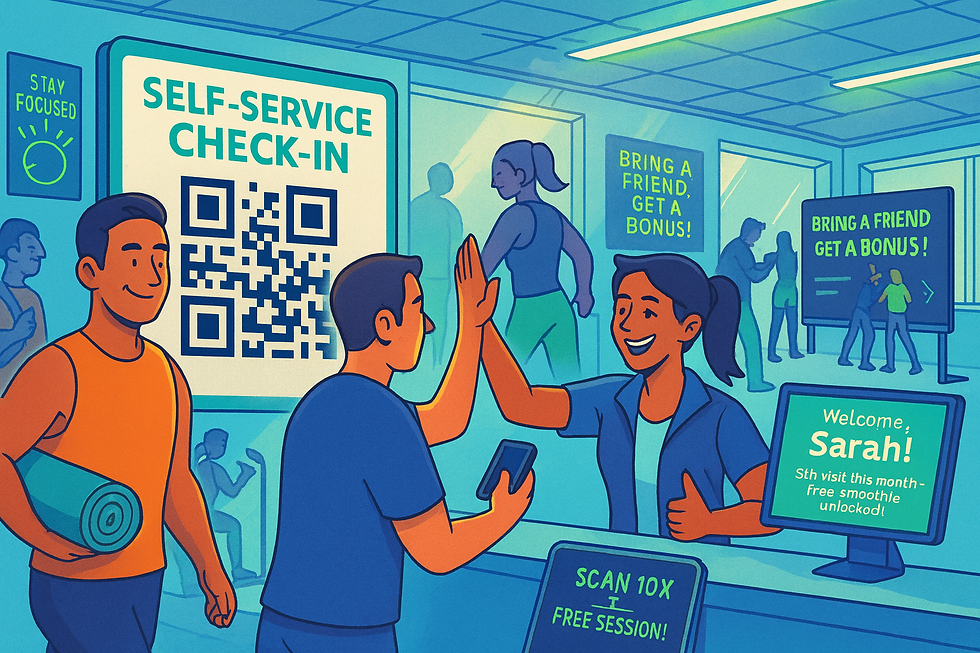
They scan: The customer scans the QR with their phone. A page opens, and the stamp is added immediately. If they aren’t a member yet, they join and get their stamp in the exact same flow.
The next customer steps up and does the same. No queue. No staff needed.
To keep it secure, redemptions are still under your control. Staff scan the customer’s card using the meed for Business app to confirm the reward.
If you want to make it even faster, you can use an NFC tag. You just copy the Checkin link, write it to a tag using an app like NFC Tools, and place it at your counter. Customers just tap their phone to it instead of opening their camera. Same result.
Speed at the counter. Data in the background.
Set up your stamp card using meed's Express Launch now.


Comments